


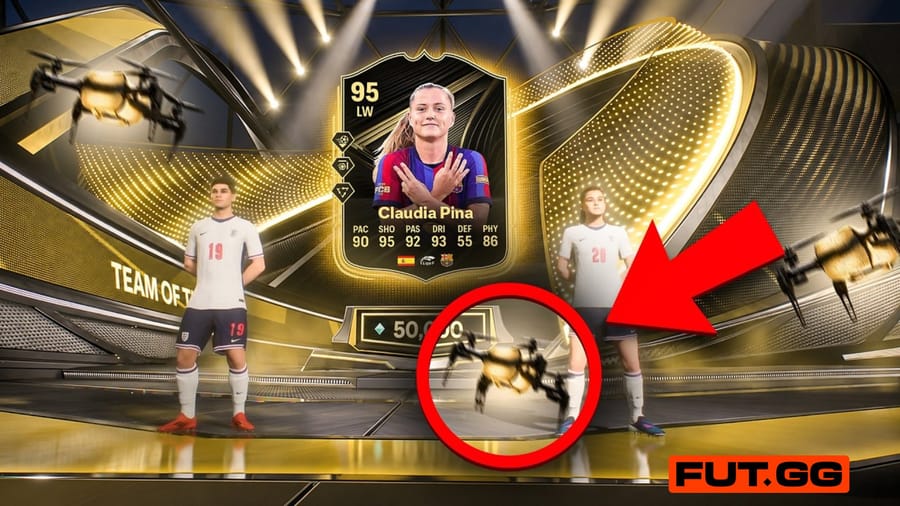

EA Sports let me play FC 27 early, and during that time, I found out a secret. I figured out exactly how to tell if it's a single walkout or a massive double walkout before the players even hit the screen. I also learned that you can actually control the walkout animations with your controller this year!
But before we get into it, keep in mind that this footage is recorded off a work-in-progress closed beta build. The ratings are definitely not final, and they are much different than the official ones EA just announced for FC 27.
Here is how to spot the difference between a board, a single walkout, and a double walkout in FC 27.
Boards vs. Walkouts
First off, it is very easy to tell if you got a walkout (an 86+ OVR player) or just a board (below 86 OVR).
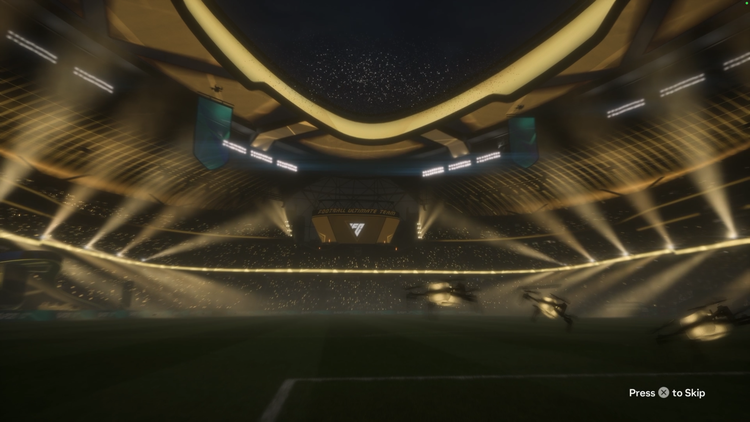
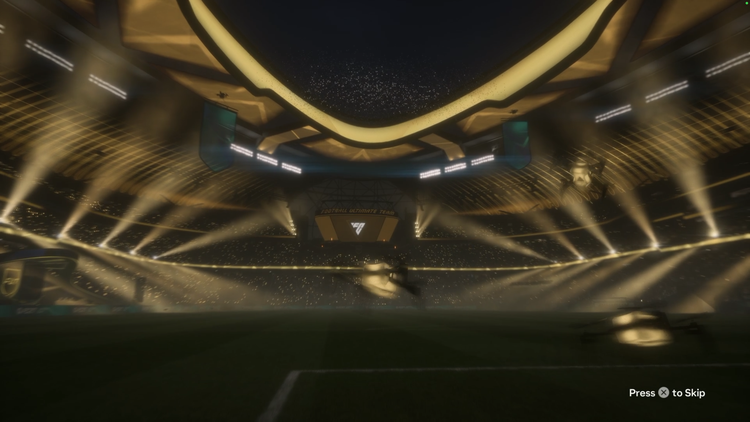
When you pack a board, the pack animation just starts off close to the stage, and the player is quickly revealed. However, when it is a walkout, the animation is a bit longer. It starts off by showing you the entire stadium before the drones fly towards the stage.
How to spot a Single Walkout in FC 27
If you see the full stadium, you know you have a walkout. Now, you need to keep your eye on the middle of the three drones at the very start of the animation.
In a single walkout, the middle drone flies below the light strip in the background.
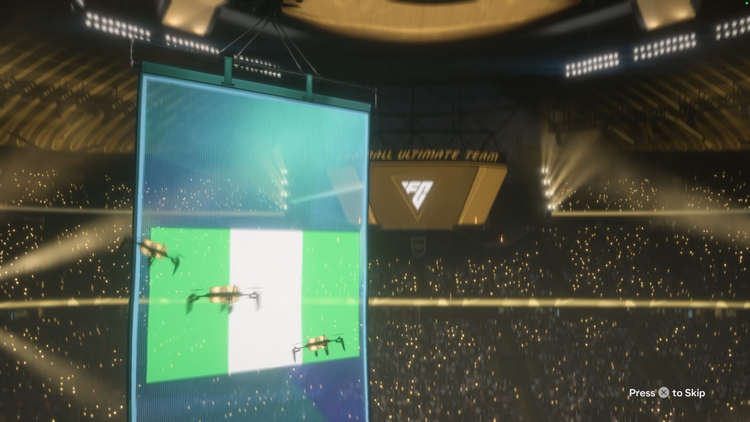
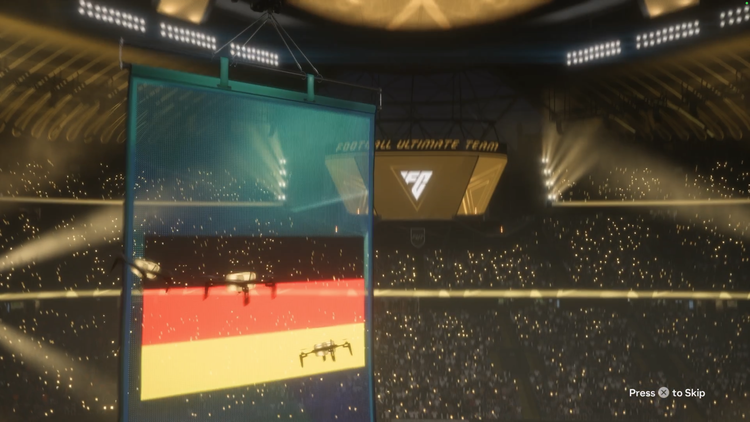
After the drones fly by, the animation will move on to the standard reveals. You will see the flag of the nation, the league badge, and then the club badge.
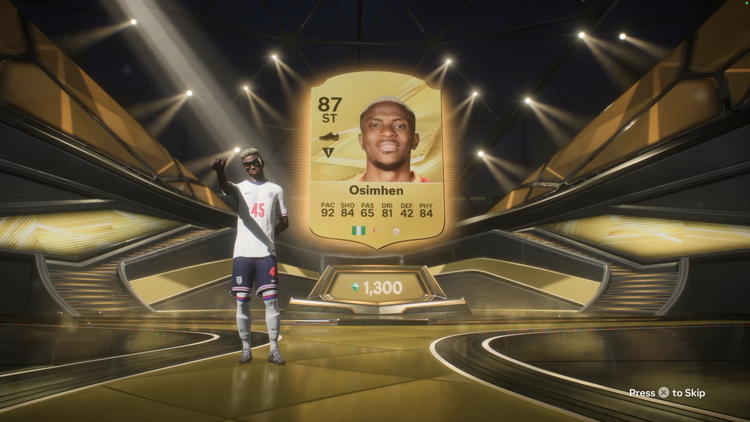
Because that middle drone stayed low at the start, you know exactly what is coming when the doors open. Boom, the stage lights up and you get a single highly-rated player walking out.
How to spot a Double Walkout in FC 27
Now, let's talk about double walkouts. Last year in FC 26, you would be able to see the badge of the second player on one of the banners, but that is not the case this year as far as I can tell.
The only tell I have noticed so far is right at the beginning. Just like the single walkout, the whole stadium shows up at first. Watch that middle drone again; if the middle drone stays ABOVE the light strip, you are getting a double walkout!
The animation will then move into the suspenseful nation and club reveal. Unlike last year, there does not seem to be any early sign of the second player's club badge hidden in the background during this phase.
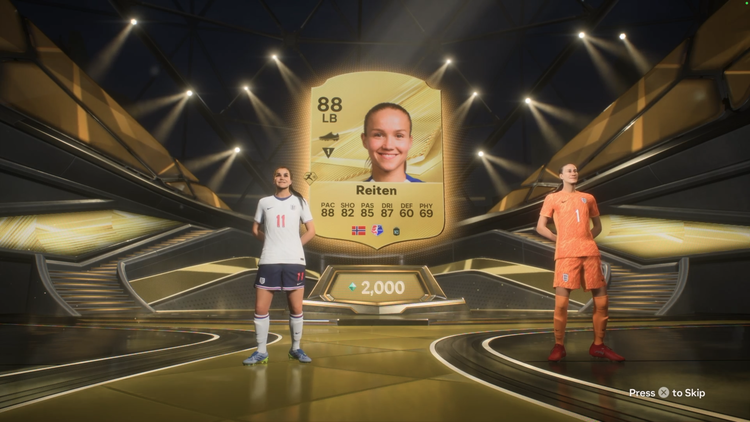
Finally, the doors open and you get two massive players walking out onto the center stage.
How to spot Special Cards and Control Animations
Also, the way you can tell if you have a special card (like a Team of the Week or a promo card) is by looking at the stage itself. If you have a promo card, the stage is lit up in a different color. More importantly, when you get close to the stage, you will see stairs leading up to it. If it is a regular gold player, there are no stairs.
I'll be real, the walkout animation is a bit long this year, but I think I know why. I realized that you can control the pack animation with your controller during the walkout!
After the walkout tell, you can use your thumbsticks to control the drones as they fly. Then, once the player is revealed, you can press L1/R1 (or LB/RB on Xbox) to control the fireworks on the stage. It is pretty cool, and it definitely explains why the buildup takes a few extra seconds.
(Bonus tip: Bronze and Silver packs no longer have the whole pack opening animation; they just open straight away, which is amazing!)
EA FC 27 Walkout Animation Video Guide
If you want to see both animations play out side-by-side so you can spot the drone differences exactly, you can check out my full video breakdown right here. Watch the video back and let me know if you notice anything different!
Are you going to be looking out for the high-flying drone, or do you prefer to skip the animations entirely? Let me know in the comments, and be sure to check out the FUT.GG News page for more exclusive FC 27 updates and deep dives!